How does a scholarship application become stressful even when the student already has the required files? The common problem is not effort. It is fragmentation. A student can have transcripts, essays, recommendation letters, and ID files ready, but still lose time because nothing is organized into one repeatable submission routine. The Dayfiles answer is to use Everyday Image Studio for image prep, PDF Toolkit for packet assembly, and one daily review habit before every portal upload.
What the student was dealing with
The student in this workflow was applying for several scholarships and study-related opportunities at once. Each application expected similar information, but not in the same structure. One portal needed image uploads first, another wanted a single PDF packet, and another split the forms and supporting files into several upload slots.
The recurring problems were familiar:
- statements lived in several folders with unclear names,
- recommendation letters arrived at different times,
- portal-specific checklists were kept in memory instead of in one place,
- the student reopened files repeatedly just to confirm what was final.
Nothing was individually impossible. The routine was just undefined.
The routine that changed the process
The student adopted a short daily sequence:
- Move every new file into one dated working folder.
- Rename documents immediately using one naming pattern.
- Prepare image assets in Everyday Image Studio only if they were actually ready for final use.
- Assemble or update the packet in PDF Toolkit.
- Check one portal-specific requirement list before uploading anything.
This routine worked because it separated collection, cleanup, packet assembly, and submission review into different steps.
What the student kept visible during packet assembly
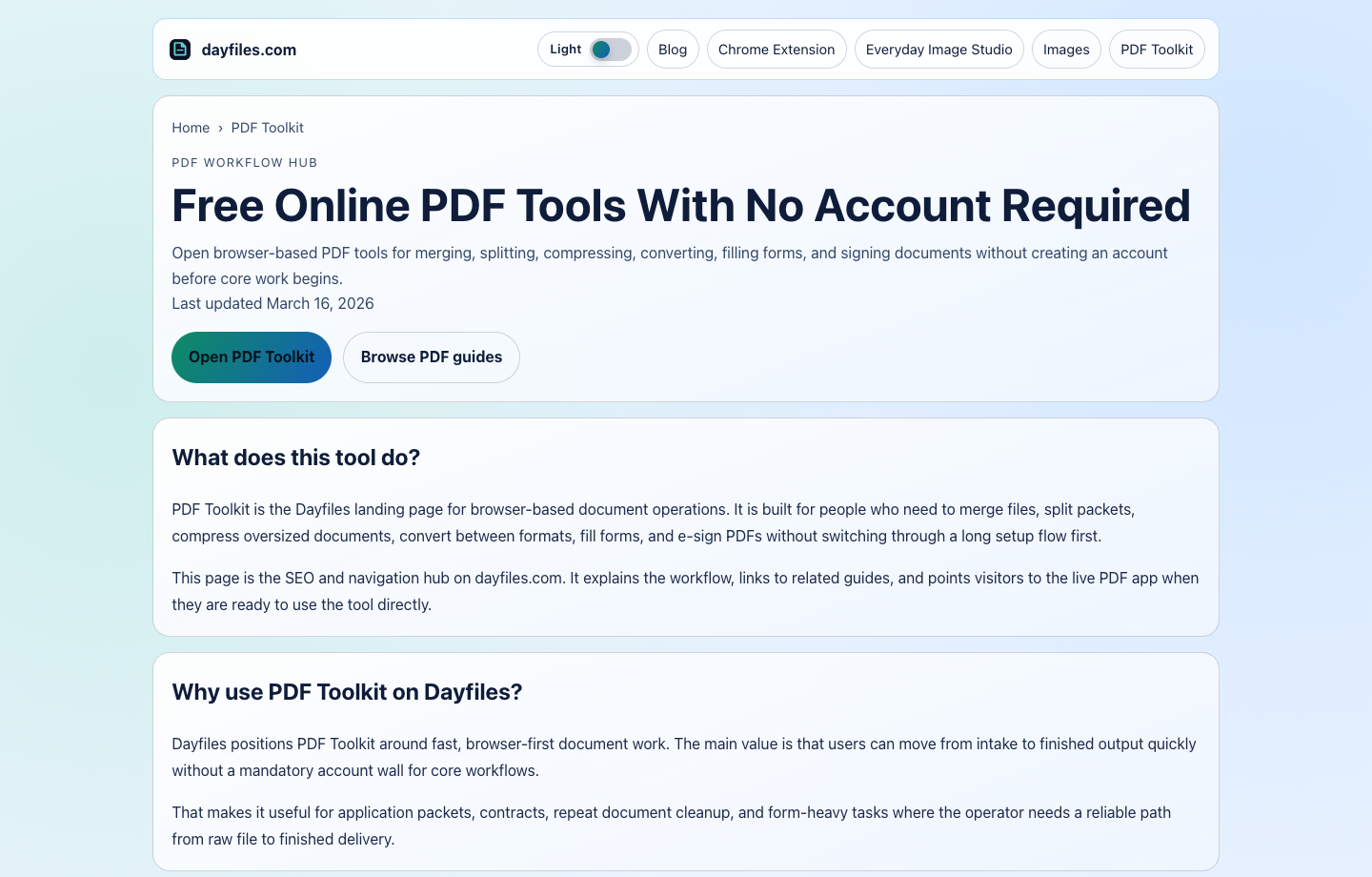
That sort of anchor matters more than it sounds. Students lose time when every task starts from a blank tab and a memory test. A consistent hub makes the next move easier to repeat.
Why this helped more than a "productivity hack"
The student did not need a new note-taking system or a complex dashboard. The useful change was simpler: every file had one home, one name, and one next step. That lowered the stress of wondering whether the portal upload matched the latest version.
The process also reduced avoidable privacy problems. Sensitive files were not copied through several random folders and chat threads just to make the application feel "organized."
The key decisions that made the routine work
Three decisions mattered most:
- every document got a naming pattern that showed role and version,
- no image entered the packet before it was fully approved,
- every application used a checklist tied to that specific portal.
Those decisions sound small, but they reduced the two biggest application risks: wrong-file uploads and last-minute confusion.
Routine-driven document prep vs scattered file handling
| Requirement | Routine-driven application workflow | Scattered file handling |
|---|---|---|
| File retrieval | Fast because naming and folders are stable | Slow because versions are spread everywhere |
| Portal confidence | Higher because each packet is reviewed against a checklist | Lower because uploads happen from memory |
| Stress under deadline | Lower because the next step is clear | Higher because the whole process feels reactive |
| Best fit | Multi-application students and deadline-driven applicants | One-off informal document prep |
For scholarship work, this difference is practical. The student needs fewer decisions at the exact time when stress is highest.
What the student still had to check manually
No routine removes the need for final review. The student still checked:
- scholarship-specific page or file limits,
- essay title and version status,
- transcript naming and freshness,
- whether the right photo or ID file was attached,
- whether the packet matched the specific portal requirement.
The routine improved control, but it did not replace judgment. That balance is what made it durable.
Where the student used Dayfiles tools
The tool split was clear:
- Everyday Image Studio for photo cleanup and image prep
- Images if broader conversion or compression was needed
- PDF Toolkit for packet assembly and final submission-ready exports
The most useful supporting guides for this routine are Fill PDF Forms Online, Merge PDF Without Uploads, and the Everyday Image Studio Passport Photo Checklist.
Why the routine scaled across several applications
The student did not build a different system for every scholarship. The same structure worked because it focused on repeatable decisions: where new files go, how names are assigned, when image work is considered final, and when a packet is ready for upload. That consistency meant each new application felt like a variation of the same routine rather than a brand-new scramble.
It also made follow-up easier. When a school or scholarship asked for one corrected document later, the student could find the original packet, the supporting files, and the portal-specific checklist without rebuilding the whole history from memory.
What the student archived after each submission
After upload, the student kept one archive folder containing the submitted packet, any portal confirmation, and the checklist that was used for that application. That archive habit mattered because scholarship applications often lead to interview requests, correction requests, or similar future forms. Good archiving turns that follow-up from a stressful search into a quick retrieval task.
One practical naming pattern looked like this: 2026-03-scholarship-a-final-packet.pdf, 2026-03-scholarship-a-checklist.md, and 2026-03-scholarship-a-confirmation.txt. That is not fancy. It is just easy to understand a month later.
Submission checklist for each portal
Before any scholarship upload, the student ran a short final checklist:
- correct portal selected,
- required documents present,
- filenames clear and final,
- packet or upload set matches the requirement,
- archive copy saved after submission.
That last step mattered because applications often need to be referenced again later for interviews, follow-up forms, or related submissions.
Why this routine lowers deadline stress
Scholarship applications become much easier when the student stops treating every submission like a fresh emergency. A routine built around Everyday Image Studio, Images, and PDF Toolkit creates enough structure to reduce deadline stress without making the process heavy.